

United Skills Academy 2030
- Dec 20, 2025
- 1 min read
Updated: Dec 24, 2025
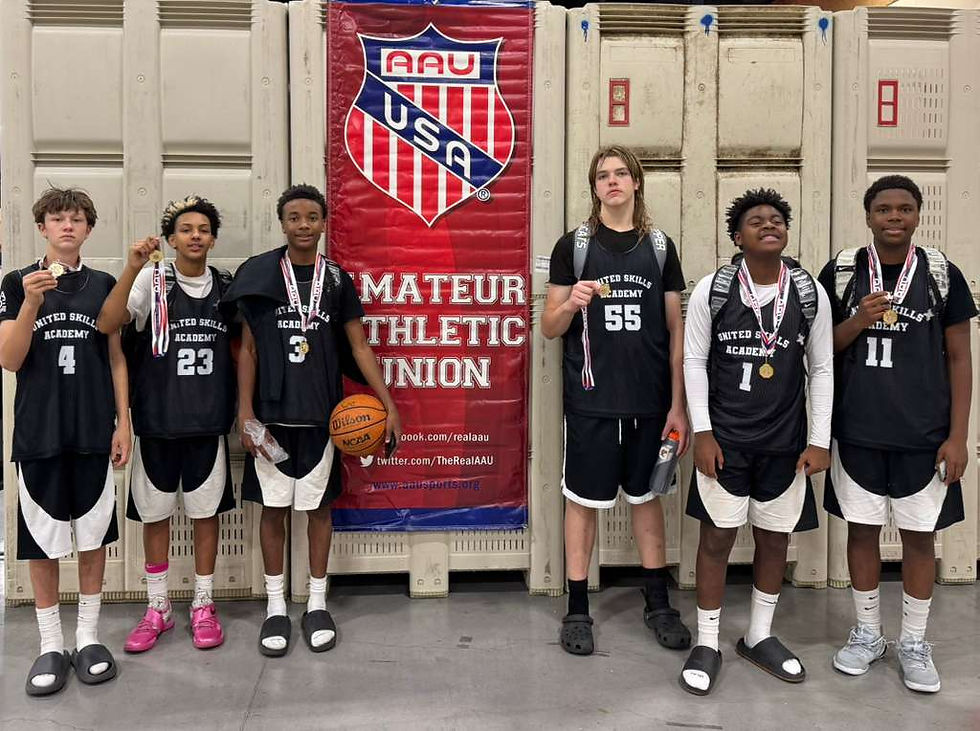
Parent Registration Help – New Parent Accounts
1️⃣ Create Parent Account
Go to MadeHoops.com, create a Parent Account, and follow the instructions to complete Athlete Setup.
2️⃣ Add or Verify Your Player
If Your Player is NEW to Made Hoops
Enter your player’s information
Select the event: West Winter Circuit
Select your player’s team: United Skills Academy 2030
Return to your Dashboard
Sign the event waiver under ACTION NEEDED
Access the QR Code
If Your Player ALREADY Has an Account
Find your player in the Made Hoops Database
Verify player information
Select the event: West Winter Circuit
Select your player’s team
Return to your Dashboard
Sign the event waiver under ACTION NEEDED
Access the QR Code
3️⃣ After Waiver is Signed
Your player’s QR Code will be generated and stored on your Dashboard under the event tile.
4️⃣ MOST IMPORTANT STEP – Get Verified
On your Dashboard under “Your Players”, click GET VERIFIED for each player.
Parents/Guardians will receive an email to upload verification documents
Verification may take up to 36 hours
✔️ Players CANNOT PLAY until verified
Comments